
Optimizing Django Rest Framework Serialization Performance
When choosing Python, Django, or Django Rest Framework (DRF), it’s rarely for their raw, blistering performance. Python has long been the “comfort” choice—the language you pick when you value developer experience and ergonomics over saving a few microseconds on a process.
There’s nothing wrong with prioritizing ergonomics. Most projects don’t actually need microsecond precision; they need to ship high-quality code, fast.
However, that doesn’t mean performance is irrelevant. As this journey taught us, massive performance gains can be achieved with just a little attention and a few strategic tweaks.
The ModelSerializer Performance Bottleneck
A while back, we noticed abysmal performance on one of our main API endpoints. Because the endpoint was fetching data from a very large table, we naturally assumed the database was the culprit.
But when we saw that even small result sets were performing poorly, we started digging elsewhere. This investigation eventually led us to Django Rest Framework (DRF) serializers.
Environment: For these benchmarks, we’re using Python 3.7, Django 2.1.1, and Django Rest Framework 3.9.4.
A Simple Function Approach
Serializers essentially transform objects into data (and vice versa). At its core, it’s a simple function. Let’s write one that takes a User instance and returns a dictionary:
from typing import Dict, Any
from django.contrib.auth.models import User

def serialize_user(user: User) -> Dict[str, Any]:
    return {
        'id': user.id,
        'last_login': user.last_login.isoformat() if user.last_login is not None else None,
        'is_superuser': user.is_superuser,
        'username': user.username,
        'first_name': user.first_name,
        'last_name': user.last_name,
        'email': user.email,
        'is_staff': user.is_staff,
        'is_active': user.is_active,
        'date_joined': user.date_joined.isoformat(),
    }
Let’s create a user for our benchmark:
>>> from django.contrib.auth.models import User
>>> u = User.objects.create_user(
>>>     username='hakib',
>>>     first_name='haki',
>>>     last_name='benita',
>>>     email='me@hakibenita.com',
>>> )
We’ll use cProfile for benchmarking. To isolate external factors like database latency, we’ll fetch the user once and serialize it 5,000 times:
>>> import cProfile
>>> cProfile.run('for i in range(5000): serialize_user(u)', sort='tottime')
15003 function calls in 0.034 seconds
The simple function took just 0.034 seconds to serialize a User object 5,000 times.
The ModelSerializer
DRF provides the ModelSerializer utility class to speed up development. Here’s what it looks like for our User model:
from rest_framework import serializers

class UserModelSerializer(serializers.ModelSerializer):
    class Meta:
        model = User
        fields = [
            'id',
            'last_login',
            'is_superuser',
            'username',
            'first_name',
            'last_name',
            'email',
            'is_staff',
            'is_active',
            'date_joined',
        ]
Running the same benchmark:
>>> cProfile.run('for i in range(5000): UserModelSerializer(u).data', sort='tottime')
18845053 function calls (18735053 primitive calls) in 12.818 seconds
It took DRF 12.8 seconds—roughly 2.56ms per user. That’s 377 times slower than the simple function.
The profile revealed that a significant amount of time is spent in functional.py. ModelSerializer uses Django’s lazy function to evaluate validations and verbose names. This adds considerable overhead to the serialization process.
Read-Only ModelSerializer
Validation logic is only added by ModelSerializer for writable fields. To measure the impact of validation, let’s create a ModelSerializer where all fields are marked as read-only:
from rest_framework import serializers

class UserReadOnlyModelSerializer(serializers.ModelSerializer):
    class Meta:
        model = User
        fields = [
            'id',
            'last_login',
            'is_superuser',
            'username',
            'first_name',
            'last_name',
            'email',
            'is_staff',
            'is_active',
            'date_joined',
        ]
        read_only_fields = fields
Benchmark results:
>>> cProfile.run('for i in range(5000): UserReadOnlyModelSerializer(u).data', sort='tottime')
14540060 function calls (14450060 primitive calls) in 7.407 seconds
Down to 7.4 seconds—a 40% improvement over the standard ModelSerializer.
However, we still see heavy activity in field_mapping.py and fields.py. The ModelSerializer uses a lot of metadata to dynamically build and validate fields, which comes at a performance cost.
The Plane “Serializer”
Now, let’s see how much ModelSerializer specifically costs us by using a standard Serializer instead:
from rest_framework import serializers

class UserSerializer(serializers.Serializer):
    id = serializers.IntegerField()
    last_login = serializers.DateTimeField()
    is_superuser = serializers.BooleanField()
    username = serializers.CharField()
    first_name = serializers.CharField()
    last_name = serializers.CharField()
    email = serializers.EmailField()
    is_staff = serializers.BooleanField()
    is_active = serializers.BooleanField()
    date_joined = serializers.DateTimeField()
Benchmark:
>>> cProfile.run('for i in range(5000): UserSerializer(u).data', sort='tottime')
3110007 function calls (3010007 primitive calls) in 2.101 seconds
That’s the jump we were looking for!
The plain Serializer took only 2.1 seconds. It’s 60% faster than the Read-Only ModelSerializer and 85% faster than the default ModelSerializer.
It’s clear: ModelSerializer isn’t “free.”
Read-Only Plain Serializer
Since plain Serializer doesn’t automatically derive validations, marking fields as read-only shouldn’t change much. Let’s verify:
>>> cProfile.run('for i in range(5000): UserReadOnlySerializer(u).data', sort='tottime')
3360009 function calls (3210009 primitive calls) in 2.254 seconds
As expected, no significant difference. This confirms that the bottleneck in ModelSerializer was indeed the validation overhead derived from the model.
Summary of Results
| Serializer | Time (Seconds) |
|---|---|
| UserModelSerializer | 12.818 |
| UserReadOnlyModelSerializer | 7.407 |
| UserSerializer | 2.101 |
| UserReadOnlySerializer | 2.254 |
| serialize_user (Simple function) | 0.034 |
Why is this happening?
While many articles focus on database optimization (select_related, prefetch_related), few address serialization speed. I suspect this is because most developers don’t expect serialization to be a bottleneck.
Historical Context
Tom Christie (DRF’s creator) noted in 2013 that serialization accounted for about 12% of request time in his benchmarks. His advice remains solid:
“4. You don’t always need to use serializers.” For performance-critical views, consider bypassing serializers entirely and using
.values()in your queryset.
Fixing lazy in Django
One of the main culprits was the lazy function in Django’s functional.py. It creates a proxy for the result class by iterating over its attributes. While it’s supposed to cache this proxy, a bug was preventing the cache from working, making it extremely slow for large result classes.
This has since been fixed in Django, bringing significant performance improvements across the board.
DRF Improvements
With the fixes applied to both Django and DRF, we re-ran the benchmarks. Here are the before and after results:
| Serializer | Before | After | % Change |
|---|---|---|---|
| UserModelSerializer | 12.818 | 5.674 | -55% |
| UserReadOnlyModelSerializer | 7.407 | 5.323 | -28% |
| UserSerializer | 2.101 | 2.146 | +2% |
| UserReadOnlySerializer | 2.254 | 2.125 | -5% |
| serialize_user | 0.034 | 0.034 | 0% |
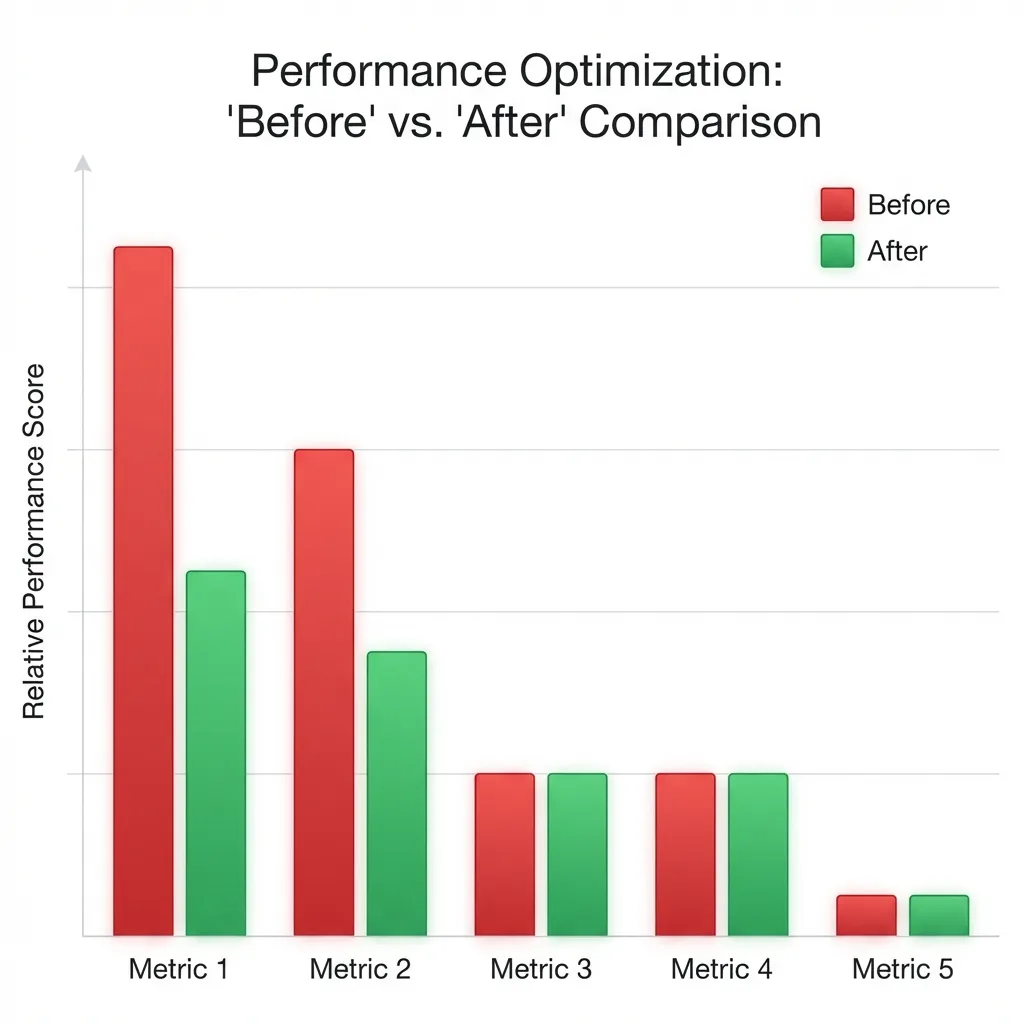
Key Takeaways:
ModelSerializertime was cut in half.- Read-only
ModelSerializertime dropped by nearly a third.
Conclusion
- Keep your dependencies updated: Always use the latest versions of Django and DRF to benefit from these performance patches.
- Use plain
Serializerfor critical paths: If you’re building a high-traffic endpoint, avoid the overhead ofModelSerializer. - Default to
read_only=True: If you don’t need to write to a field, make it read-only to avoid unnecessary validation logic.
Bonus: Enforcing Best Practices
To ensure our team doesn’t forget these optimizations, we added a custom Django System Check:
# common/checks.py
import django.core.checks

@django.core.checks.register('rest_framework.serializers')
def check_serializers(app_configs, **kwargs):
    import inspect
    from rest_framework.serializers import ModelSerializer
    import conf.urls  # Force import of all serializers

    for serializer in ModelSerializer.__subclasses__():
        # Skip third-party apps
        path = inspect.getfile(serializer)
        if 'site-packages' in path:
            continue

        if hasattr(serializer.Meta, 'read_only_fields'):
            continue

        yield django.core.checks.Warning(
            'ModelSerializer must define read_only_fields.',
            hint='Set read_only_fields in ModelSerializer.Meta',
            obj=serializer,
            id='H300',
        )
Now, if a developer misses read_only_fields, they’ll get a warning during python manage.py check.
This post is based on real-world performance profiling and demonstrates how small implementation details can lead to massive efficiency gains.